
Accessibility development
Build accessibility into the product before it becomes repair work
BronCode.Dev brings semantic structure, keyboard use, focus, contrast, zoom, forms and content into design and development decisions. Automated checks catch repeatable issues; deliberate human review covers the journeys that need context.
- WCAG-informed implementation
- Keyboard and focus review
- Shared component guardrails
- Human review where automation stops
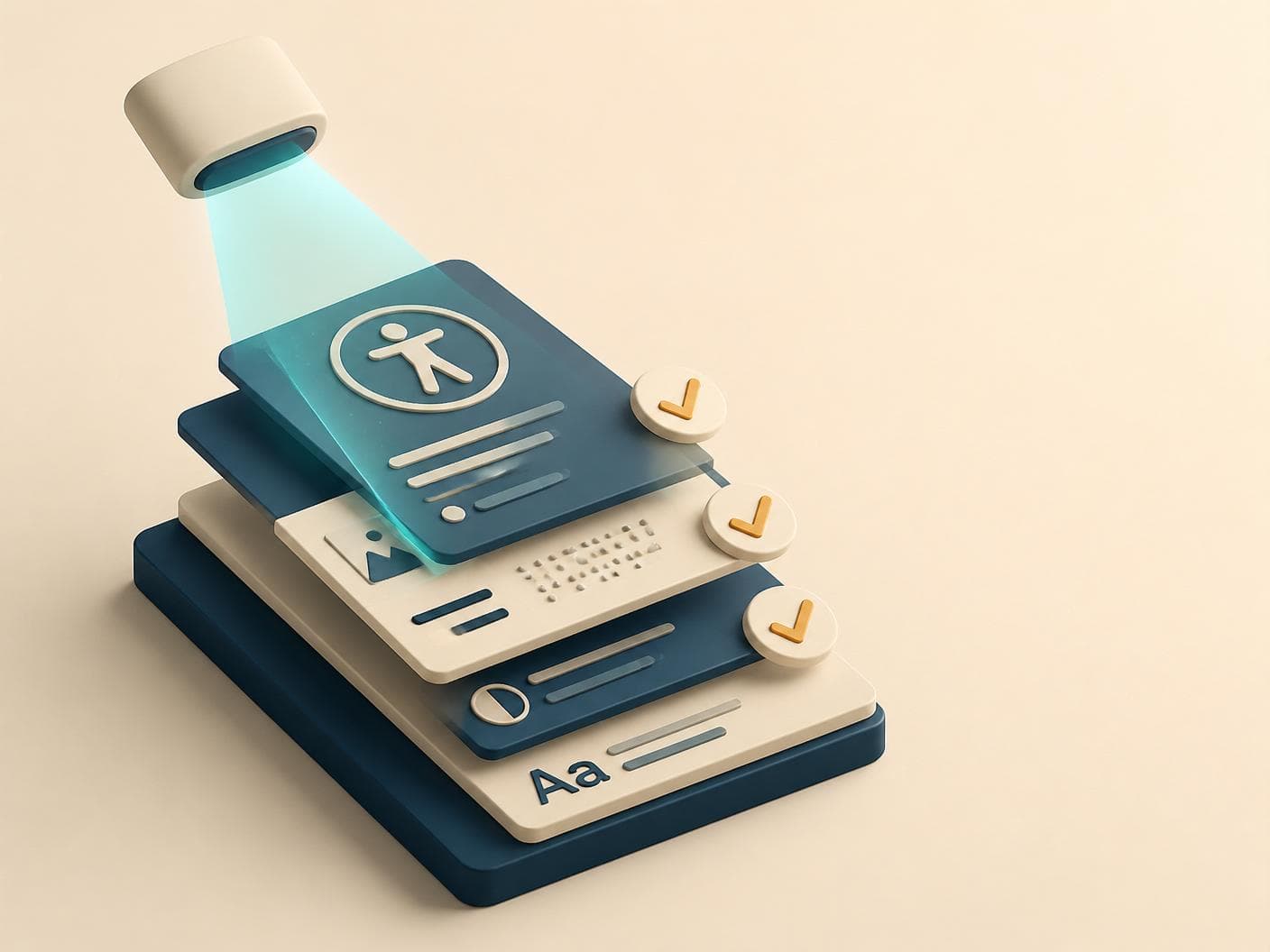
What accessibility review covers
Use automation for repetition. Use people for context.
No scanner can establish how every journey works for people. A useful review combines repeatable rules with deliberate interaction, zoom and assistive-technology checks.
- HTML
Semantics
Landmarks, headings, labels and native controls preserve meaning beyond the visual layout.
- KEY
Keyboard and focus
Important journeys remain reachable and operable with a visible, logical focus sequence.
- AA
Contrast and non-colour cues
Text, controls and states remain distinguishable without relying on colour alone.
- 400%
Zoom and reflow
Content and actions remain usable at high zoom without avoidable two-axis scrolling.
- FORM
Forms and errors
Labels, instructions, validation and recovery stay connected and understandable.
- AT
Assistive technology
Important journeys are reviewed with the relevant screen-reader and interaction context.
Release guardrails
Catch repeatable accessibility regressions closer to the change
Shared components and release checks make common failures visible earlier. They support human review; they do not replace it.
Checks kept close to delivery
- Check semantic structure and shared component behaviour during implementation.
- Review keyboard navigation and visible focus across important journeys.
- Check contrast and non-colour cues through shared tokens and component states.
- Use human review for zoom, content clarity and assistive-technology behaviour.
Passing automated checks does not establish full accessibility or formal WCAG conformance.
BronCode.Dev Accessibility Scanner
Keep accessibility visible between audits and releases
Our own Accessibility Scanner monitors your website and flags machine-detectable errors as it changes. It gives teams a shared starting point for prioritising fixes and shaping a robust accessibility strategy, while human review covers the context automation cannot.
Your accessibility companion
Turn recurring errors into a durable improvement loop
- 01
Watch what changes
Monitor the agreed website scope so detectable issues do not depend on somebody remembering to run another snapshot.
- 02
Make errors visible
Connect machine-detectable findings to the page or shared component where the team can investigate them.
- 03
Find patterns, not just pages
Group related findings around user impact, repetition and shared causes before choosing what to fix first.
- 04
Fix, verify and keep learning
Improve the shared layer where possible, verify the change and keep accessibility in the product conversation.
https://broncode.dev
Example automated checks moving through selected pages and components.
- Structure
- Names
- Contrast
- Forms
Illustrative flags
- NAMEFlagged.Flagged.
Control has no accessible name
Navigation component
- HEADFlagged.Flagged.
Heading level is skipped
Article template
- CONTFlagged.Flagged.
Text contrast falls below target
Shared call-to-action
- FORMFlagged.Flagged.
Input is not connected to a label
Contact flow
The scanner is a companion, not an automatic compliance certificate. It can flag detectable errors and recurring patterns; keyboard use, zoom, content clarity and assistive-technology journeys still require deliberate human review.
Discuss accessibility monitoringAccessibility throughout delivery
Make the important decisions before final testing
Structure, components, content and interaction are decided throughout the project. Bringing accessibility into those moments prevents the same issue from being patched page by page later.
- 01
Map important journeys
Identify the tasks, users and accessibility risks that matter to the actual scope.
- 02
Include it in design
Consider hierarchy, contrast, focus, reflow, content and interaction before implementation is fixed.
- 03
Fix the shared layer
Improve components and patterns before repeating local patches across pages.
- 04
Review before release
Combine repeatable checks with deliberate keyboard, zoom and assistive-technology review.
Start with the journey that needs to work for more people
Share the website, product or accessibility question. We can scope whether the next step is implementation, a focused review or a wider rebuild.